Start with the hand, not the screen
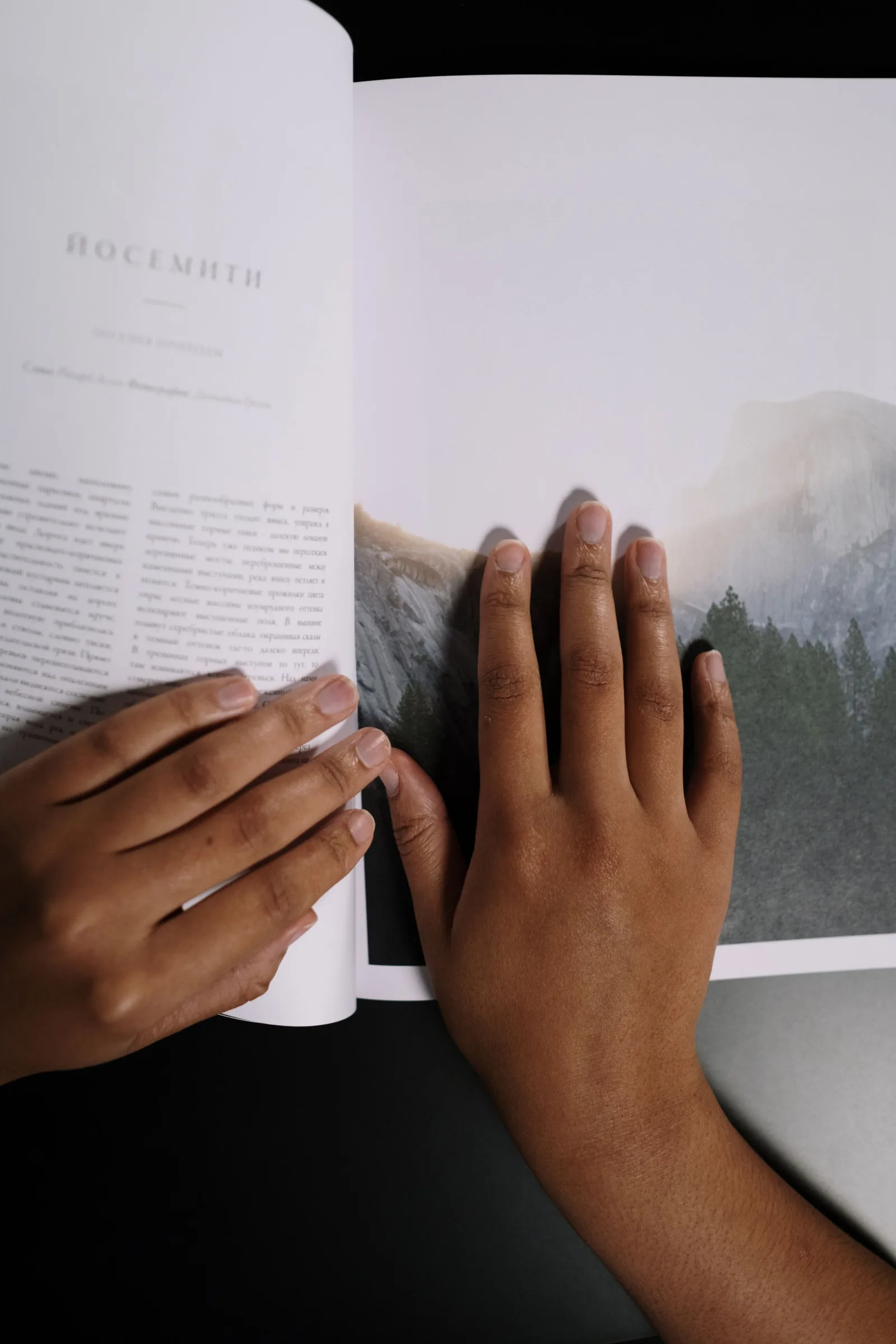
A catalogue is held before it is read. The first thing people notice is the weight, the stiffness when they turn a page and the sound it makes. None of that shows up in a PDF, which is why I never choose paper from a screen. Ask your printer for a blank dummy: the real paper, the real size, the real number of pages, without a single word printed on it.
A catalogue is held before it is read.
Coated or uncoated
Coated paper keeps colours sharp and dark images deep. Uncoated paper feels warmer and more natural, but it absorbs ink, so colours soften and blacks turn slightly grey. For the Kiln & Co catalogue we wanted both, so we printed the photo pages on a smooth matte coated stock and the essays on a warm uncoated one. The change in the hand tells readers they have moved from looking to reading.
Weight and grain
Heavier is not always better. A 170 gram paper feels luxurious in a thin brochure, but in a 200 page catalogue it makes the book stiff and hard to keep open. For long catalogues I usually go between 100 and 130 grams for the inside pages and choose the cover separately.
Grain direction is the detail people forget. Paper folds and bends more easily along its grain, so the grain should run parallel to the spine. Get it wrong and the pages fight you every time you turn them.
What we would change
On one catalogue last year we chose a beautiful textured cover that scuffed in transport. Today we would add a simple paper band or a matte varnish. Small things, but they decide whether a catalogue still looks good on the gallery table a year later.